
Best Free AI Tools for Students to Write Research Papers
A research paper isn’t really a writing problem. It’s a research problem that ends in writing.

Before you type a single paragraph, you have to find credible sources, work out what the evidence actually says, keep your citations straight, and turn a pile of scattered information into one clear argument. That’s why the free AI tools for students that help most with research papers usually aren’t the same ones people use for everyday writing; a general chatbot can produce a paragraph, but it can’t hand you a stack of relevant, peer-reviewed studies.
In 2026, a handful of free AI tools for students are built specifically around that research process. Some search academic databases directly, some summarize and compare findings, and some are better suited to organizing your notes or improving your draft once the research is done. Here’s how the strongest free options stack up, and where each one actually fits into the process.
Table of Contents
Free AI tools for students
1. Elicit: Best for Finding Academic Papers
If you’re still at the “what should I even read” stage, Elicit is the strongest starting point. Instead of asking a chatbot to generate an answer from thin air, you search directly across a database of well over 100 million academic papers and work with real studies.
The free Basic plan covers the core of what a student needs: unlimited paper search, unlimited summaries, and the ability to chat with a paper’s full text to pull out key details. You can also send sources straight to Zotero. The more advanced features: bulk data extraction and AI-generated research reports: are capped on the free tier, so they’re better suited to a serious literature review or a longer thesis project.
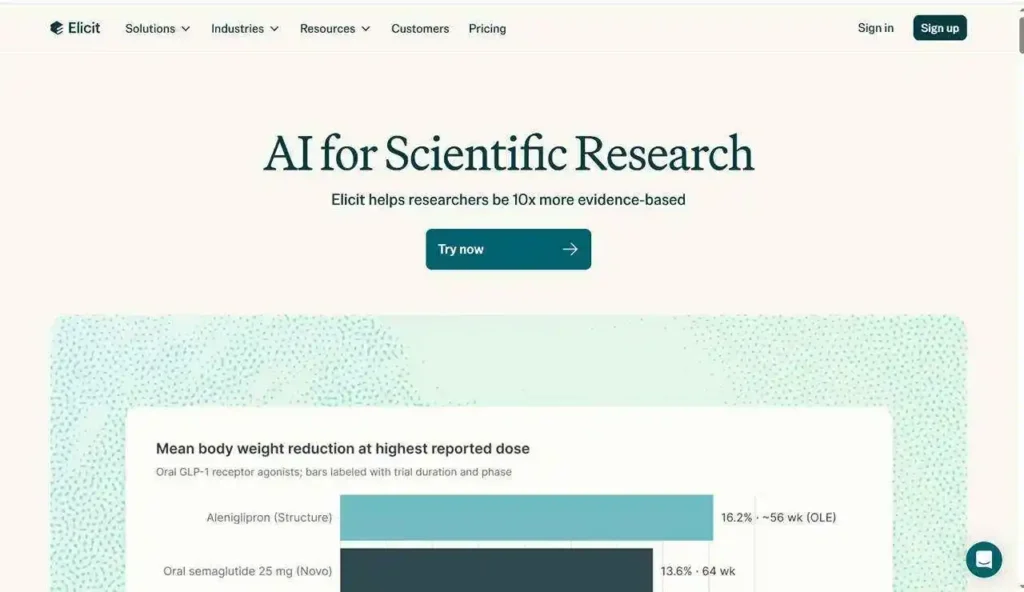
Best for: literature reviews, science projects, dissertations, and any assignment where you need to show you’ve actually engaged with the evidence.
2. Consensus: Best for Answering Evidence-Based Questions
Consensus works from the same idea; search real research instead of the open web, but it’s built around answering a specific question quickly. If your paper hinges on something like “does remote work affect productivity?” or “what does the research say about a particular treatment?”, Consensus pulls together what the literature actually shows.
Its real strength is speed. Rather than opening twenty tabs of search results, you get an overview of the research landscape and can then decide which individual studies are worth reading in full. Treat it as a map, not a substitute for reading the papers themselves.
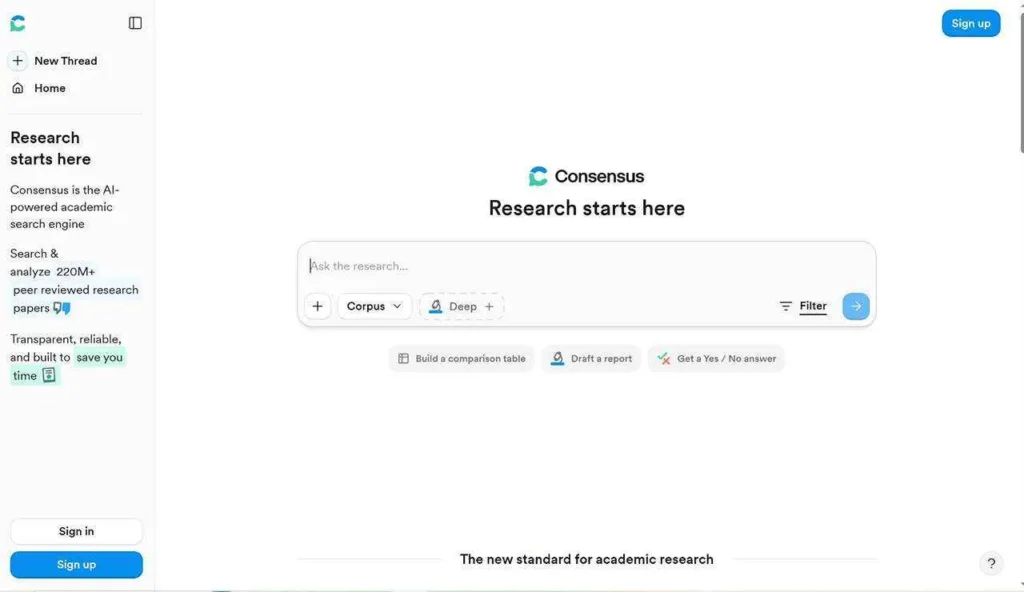
Best for: getting oriented on a question fast, before you commit time to specific sources.
3. Jenni: Best for Turning Research Into a Draft
Finding sources is only half the job. Once you have them, Jenni is built around the part most students actually dread: structuring the writing itself. It can help you draft, reorganize ideas, work with material you’ve already uploaded, and manage citations as you go.
A workflow that tends to work well: use Elicit or Consensus to gather and understand your evidence, then move into Jenni once you’re ready to build the actual paper. Free usage is limited, so if you’re writing something very long, you may hit that ceiling before you finish.
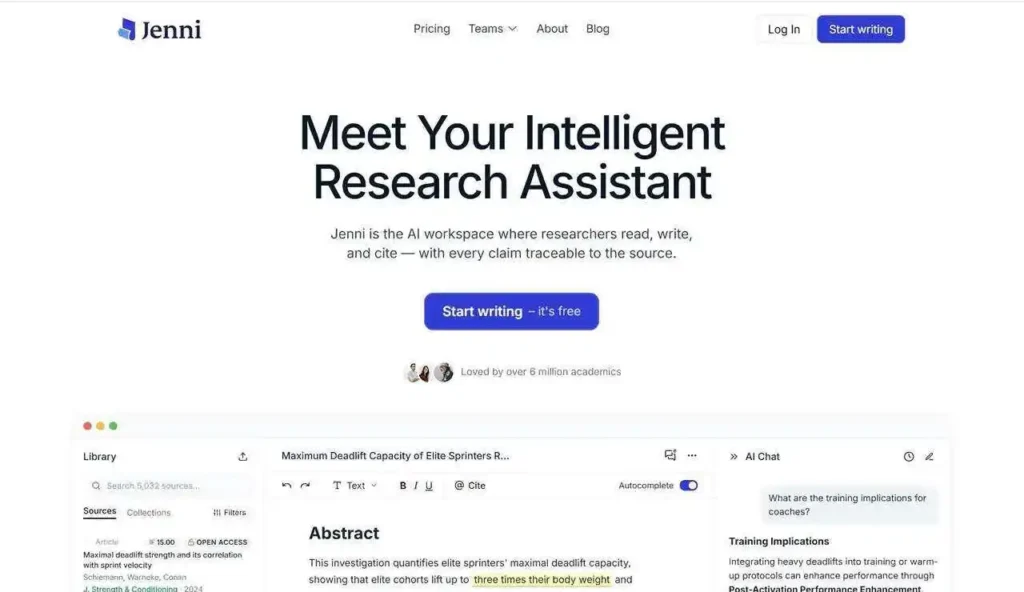
Best for: essays and research assignments once you already have your sources and need help shaping them into a paper.
4. Gemini: Best If You Already Live in Google Docs
If your research process already happens inside Google Docs, Drive, and Gmail, Gemini fits into that workflow without forcing you to switch tools. Google has continued building out research and Workspace features through 2026, including the ability to ask natural-language questions about information already sitting in your inbox.
For a research paper specifically, the advantage isn’t really the chatbot; it’s the ecosystem. Gemini is useful for brainstorming research questions, explaining concepts you’re stuck on, and turning rough notes into something more organized. Some of the more advanced features depend on your account type, so not everything is guaranteed on a basic free plan.
Best for: students already working inside Google’s tools who want AI without adding a new app to the mix.
5. Claude: Best for Understanding and Improving Your Research
Claude isn’t a literature database, so it sits lower on this list; but once you’ve already gathered your sources, it becomes genuinely useful. You can hand it a paper or your own notes and ask it to explain a difficult concept in plain language, identify the core argument, compare two studies, or point out where your draft’s argument is weak.
The important boundary: use Claude to work with research you’ve already found, not as a replacement for finding it. Treating an AI-generated summary as your evidence is a shortcut that tends to backfire.
Best for: the thinking-and-writing stage; understanding what you’ve read and tightening how you’ve argued it.
6. ChatGPT: Best for General Research Support
ChatGPT rounds out the list, not because it’s weak, but because dedicated research tools simply do specific academic tasks better. It’s still useful for brainstorming questions, building an outline, explaining unfamiliar terminology, or generating study questions.
The way you use it matters more than the tool itself. Instead of asking it to write your paper, try something like: “Here are the sources I found: help me identify the common themes.” That keeps you in charge of evaluating the evidence, which is really the point of the assignment.
Best for: brainstorming, outlining, and general study support.
A Practical Workflow
You don’t need to pick just one tool. A workflow that covers the whole process looks like this:
Elicit → Consensus → Jenni → Claude or ChatGPT
Start with Elicit to find relevant papers. Use Consensus when you need a quick read on what the evidence says about a specific question. Move to Jenni once you’re ready to structure the actual writing. Then lean on Claude or ChatGPT to explain difficult ideas, stress-test your argument, or clean up your draft.
AI can speed up almost every stage of this; but you still need to open the sources, check the claims, and understand what you’re citing. Your school’s rules on AI use still apply, and no tool changes that.
FAQ
What is the best free AI tool for students research papers?
Elicit is the strongest starting point, since its free plan gives genuine access to academic paper search and summaries rather than a limited trial.
Can AI help write a research paper?
It can help at almost every stage; finding sources, understanding evidence, structuring a draft, and improving clarity, but you’re still responsible for the actual argument and for verifying what you cite.
Is it okay to use AI for research papers?
That depends entirely on your school or instructor’s policy. Some allow AI for research and brainstorming but not for drafting; others restrict it further. Always check before you start.
What AI tool finds academic sources?
Elicit and Consensus are both built specifically to search academic literature rather than the general web.
Conclusion
If you want one tool to start with, Elicit gives you the most for free. But the tools work best as a set: Elicit and Consensus for finding and understanding evidence, Jenni for structuring your writing, and Claude or ChatGPT for explaining and refining your draft.
The mistake to avoid is picking a tool because it can produce a confident-sounding paragraph. A good research tool should help you find better evidence, understand it properly, and build a stronger argument, the paragraph comes after that, not instead of it.