
Best AI Tools for YouTube Thumbnail Design in 2026
A thumbnail has exactly one job: make someone stop scrolling and click.
That single job hides a handful of different skills : a strong visual, readable text, good composition, consistent branding, and sometimes an AI-generated image or background to build the whole thing around. Because of that, a general-purpose chatbot usually isn’t the right tool for it. What actually helps is a platform that combines AI generation with an editor built for the specific dimensions, layouts, and workflow of a YouTube thumbnail.
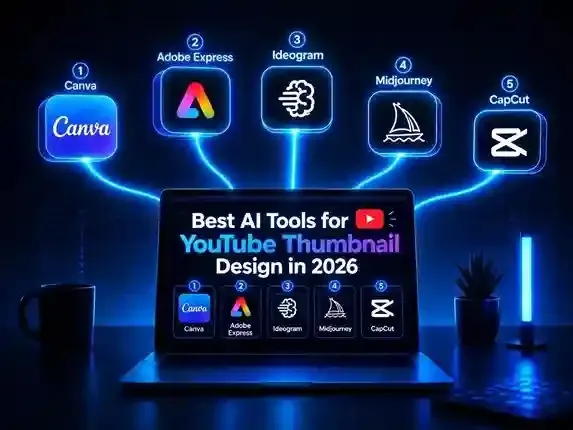
Here’s how the strongest AI thumbnail tools compare in 2026.
Table of Contents
Best AI Tools for YouTube Thumbnail Design
1. Canva: Best Overall
Canva is the easiest recommendation for most creators because it doesn’t split the job into separate steps. You’re not generating an image in one app and then hunting for another one to add text and branding; the whole thumbnail gets built in one workspace.
It comes with YouTube-specific templates, a drag-and-drop editor, AI-assisted design features, background editing, and a large library of visual elements. That combination matters most for creators publishing frequently, since you can go from a blank canvas to a finished, exported thumbnail without ever leaving the app.
The free tier covers a genuinely useful set of templates and editing tools. The more advanced AI features and premium assets sit behind a paid plan, but a beginner can build solid thumbnails without ever needing them.
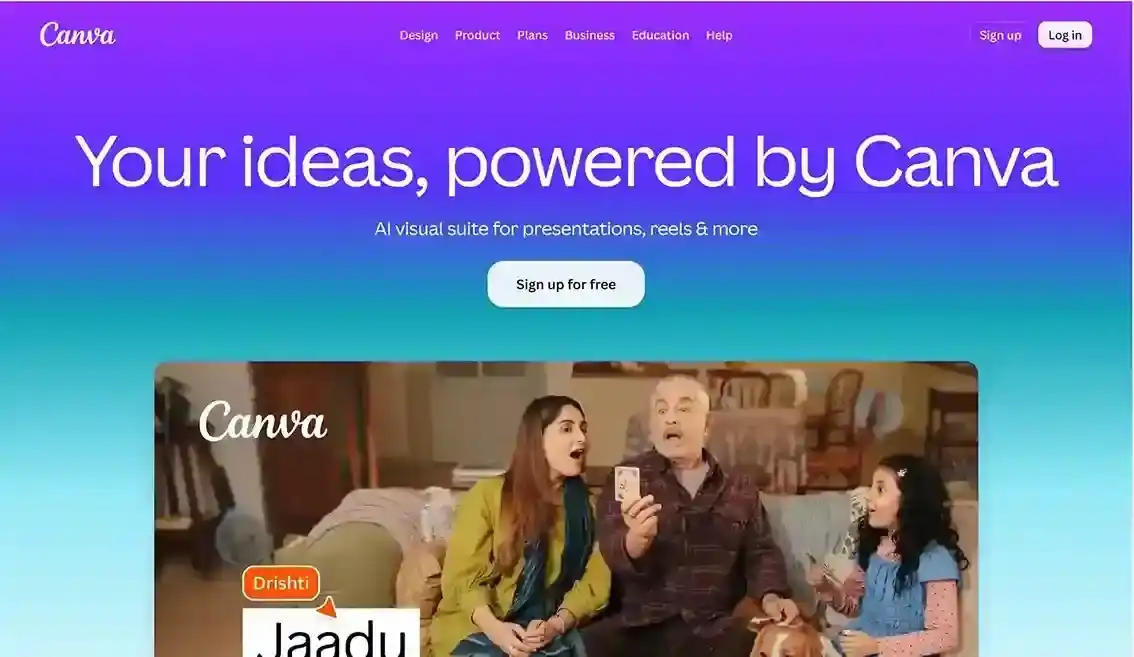
Best for: beginners and creators who want one tool that handles the entire thumbnail from start to finish.
2. Adobe Express: Best for Polished Branding
Adobe Express leans on the same idea as Canva; AI features plus a real editor; but its advantage shows up once a channel has an established visual identity. You can start from templates, remove backgrounds, adjust typography, and resize designs while keeping everything consistent from thumbnail to thumbnail.
That consistency is the real value here. Instead of designing every thumbnail from scratch, you build a repeatable layout and just swap in new images and titles.
The free plan includes real templates and editing tools; the most advanced assets and features require a paid subscription.
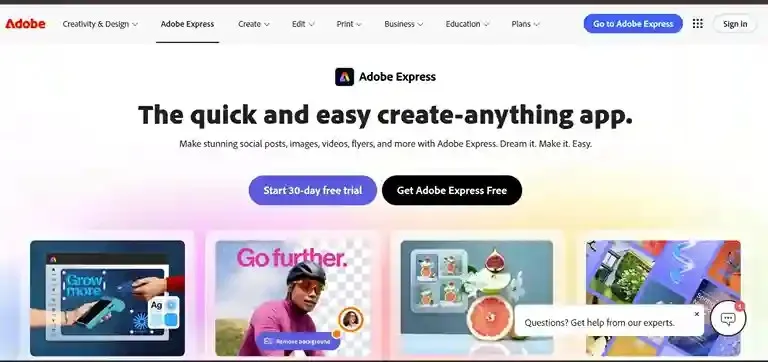
Best for: creators who care about a consistent, professional-looking channel.
3. Ideogram: Best for AI Images With Text Built In
Ideogram stands out because it’s historically been better than most generators at producing images that include legible text; signs, labels, titles, that kind of thing. That’s genuinely useful when a thumbnail concept depends on an image that already contains words.
Picture a video about a fictional product or a futuristic city concept; you could generate the base image in Ideogram, then bring it into Canva or Adobe Express to finish the layout, add your title, and apply your branding. An image generator on its own usually isn’t a complete thumbnail solution; it’s the first step.
Free access comes with usage limits, so check current terms before relying on it for regular use.

Best for: creators who want an unusual, concept-driven visual as the base of their thumbnail.
4. Midjourney: Best for Cinematic Visuals
Midjourney is known for image generation first, thumbnail design second. If your thumbnail needs something dramatic; a fantasy scene, a cinematic character, a surreal or highly stylized visual; it’s a strong source of imagery.
The typical workflow is the same two-step process as Ideogram: generate the image in Midjourney, then bring it into a proper editor to add text and layout. Trying to make one tool do everything usually produces a weaker result than splitting the job.
Midjourney’s access model has shifted over time, so it’s worth checking its current plans rather than assuming there’s a permanent free tier.
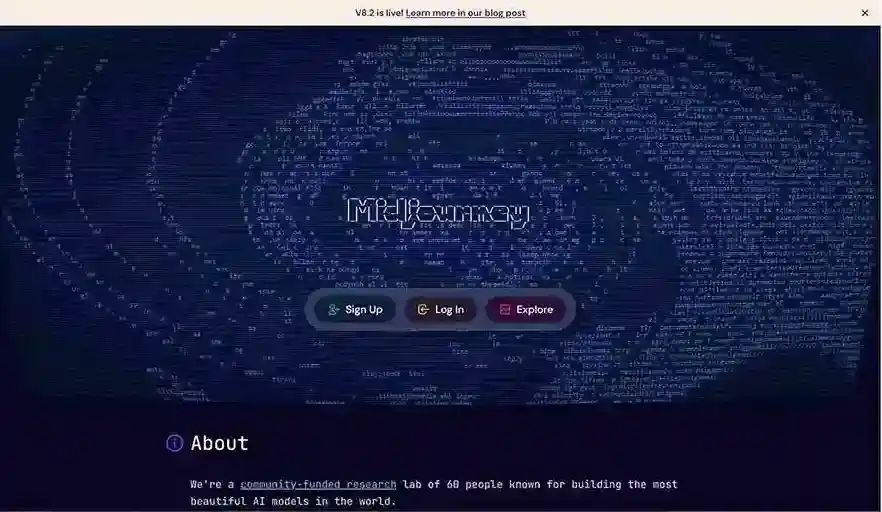
Best for: creators whose thumbnails depend on striking, highly custom imagery.
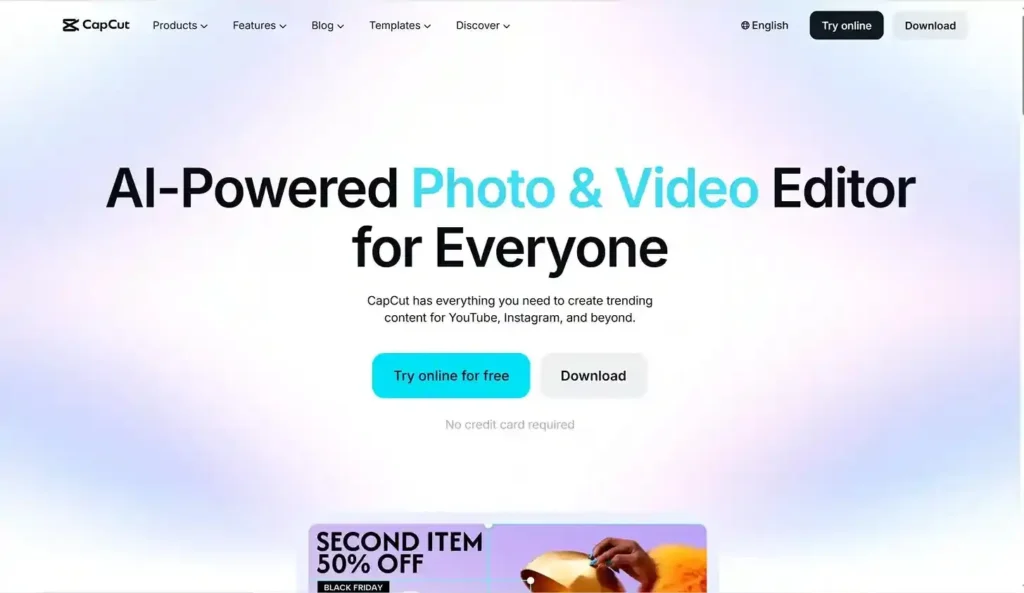
5. CapCut: Best If You’re Already Editing Video There
CapCut earns its spot mainly through convenience. If you’re already editing your videos in it, staying in the same app for thumbnails means one less tool to manage.
Its AI-assisted features help with image editing and content creation, and its templates make it easy for beginners to keep a consistent look. This is especially useful for creators working across YouTube Shorts, TikTok, and other short-form platforms where speed matters more than deep customization.
Many editing and creative features are free; some advanced tools and assets require payment, and a dedicated design app will still give you more precise control over a thumbnail’s layout.
Best for: video creators who want thumbnail design folded into their existing editing workflow.
What About Claude and ChatGPT?
Neither belongs in the core ranking, and that’s deliberate. Claude and ChatGPT are useful for brainstorming thumbnail concepts, writing short thumbnail text, or analyzing whether a title and thumbnail idea fit together, but if the actual question is “what tool designs my thumbnail,” Canva, Adobe Express, Ideogram, and the other tools above are built for that specific task. A general chatbot isn’t necessary just to produce an image with text on it.
A Simple Workflow for Beginners
If you’re new to thumbnail design, Best AI Tools for YouTube Thumbnail Design start with Canva. If you want a custom AI-generated image as your base, generate it in Ideogram or Midjourney first, then bring it into Canva or Adobe Express to finish:
Idea → AI image → Canva or Adobe Express → Text → Branding → Final thumbnail
That two-step process consistently produces better results than expecting a single tool to handle image generation and full layout at once.
Conclusion
Best AI Tools for YouTube Thumbnail Design Canva is the best overall choice for most YouTubers in 2026; it combines AI generation with the practical editing tools a thumbnail actually needs. Adobe Express is the better pick if branding consistency matters most, Ideogram is strongest for AI visuals that need built-in text, Midjourney wins on cinematic imagery, and CapCut makes sense if you’re already living in its video editor.
The real lesson here: the “best AI thumbnail tool” isn’t the one that generates the prettiest image. It’s the one that turns an idea into something clear, readable, and clickable; quickly.